3-Week Look-Ahead Schedule: Template and Best Practices
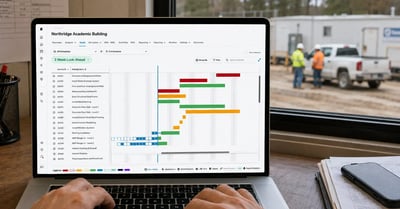
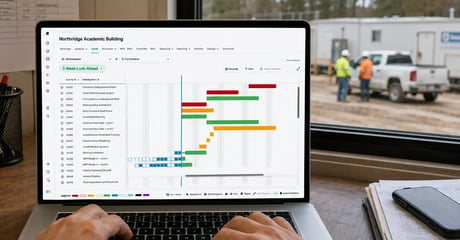
A 3-week look-ahead is a short-interval plan that pulls the next three weeks of tasks out of the master schedule so crews, subcontractors, and suppliers know...
Blog

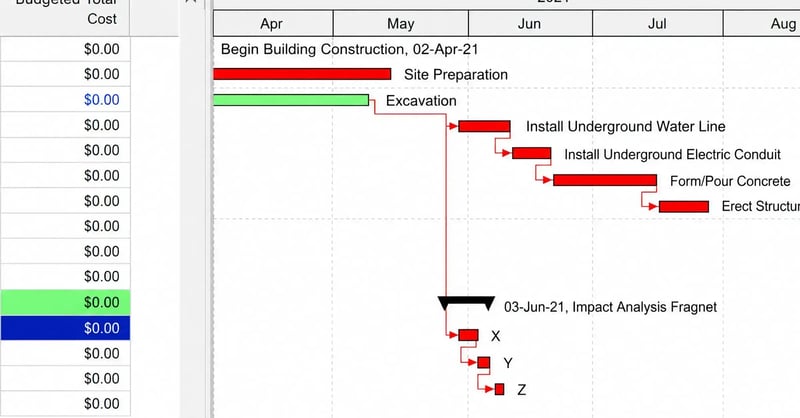
A fragnet schedule is a small network of related tasks, built with its own durations and logical relationships, that gets inserted into a larger project schedule to model a specific event. The word blends fragment and network.
Most guidance covers what belongs inside the fragnet schedule. Reviewers rarely reject one on those grounds. They reject it on the two or three relationships tying the fragment to the host file, because that is where the analyst's judgment is exposed on construction projects.
A fragnet schedule is a self-contained group of activities with defined durations, sequencing, and tie-in points, representing work the current project schedule does not yet reflect. It is a mini schedule that becomes part of a larger project plan once inserted and recalculated.
Three files are involved:
|
Term |
What it holds |
|
Host schedule |
The accepted update in effect when the event occurred, with no reference to it |
|
Fragnet |
The added activities, durations, and logical relationships describing the event |
|
Impacted schedule |
What the CPM scheduling calculation produces once the fragnet is in place |
The difference in finish dates between the first file and the third is the measured effect on the overall project completion date. Where the added work lands off the critical path, away from the critical activities driving the finish, the honest answer is zero days, and reporting it protects credibility on submissions that do carry impact.
A fragnet schedule is narrower than a phase of the work breakdown structure and different from a filtered view of the entire project schedule. Filtering narrows the view to the affected portion of the work. A fragnet schedule adds activities that were never there.
Delay analysis is the best-known application in construction project management, and the narrowest. Four uses come up regularly on construction projects:
A targeted fragnet schedule helps price time alongside scope, so project managers evaluate client requests on both counts before anyone signs.
When unforeseen disruptions occur, a delay fragnet models a specific delay event against the contemporaneous update to support a time extension request.
Project planners model an accelerated sequence, compare it to the current plan, and see what schedule compression buys across the project timeline before they reassign resources or adapt schedules to minimize negative outcomes.
Work released later gets built as a fragnet and held until release, keeping the main schedule clean without reopening the entire schedule.
The common thread is scale. Each case measures how a defined group of related tasks affects the overall project timeline without rebuilding the entire schedule. That targeted approach is why the fragnet stays a valuable tool for maintaining project timelines and controlling costs.
Modeling six activities takes an afternoon, so it enables managers to run more precise analyses of critical changes and design customized mitigation strategies while the crew is still on site, rather than re-forecasting the overall schedule after the fact.
.png?width=3659&height=2832&name=Schedule%20Quality%20Cards%20(1).png)
Creating a fragnet schedule involves isolating the affected activities in the current plan, modeling the new work around them, and connecting the result back to the surrounding logic. Six steps, and they work the same in Primavera P6, Microsoft Project, or any project management software running a full CPM calculation.
A worked example: rock turns up during footing excavation on April 6, so the March update becomes the host. Four activities go in, covering geotechnical review, redesign approval, rock removal, and revised rebar delivery.
The tie-in runs from the existing excavation activity into the existing foundation pour. If recalculating moves the projected finish nine days, those nine days are what the request asks for.
On construction projects, fragnets get rejected at the connection points more often than in the body. The activities are usually defensible. It is normally a single relationship in the fragnet schedule creating the measured movement, and the logical relationships joining the fragment to the larger project timeline are where shortcuts show.
|
Defensible tie-in |
Common shortcut |
What a reviewer concludes |
|
Named predecessor and successor activities from the host |
Fragnet floating with an open end |
The delay has nothing to push, so it proves nothing |
|
No new constraints introduced |
A date constraint added to force the result |
The number came from the constraint, not the logic |
|
Existing durations left untouched |
Durations edited alongside the insertion |
Two variables changed, so causation cannot be isolated |
|
One specific delay per fragnet |
Several unforeseen disruptions combined |
Concurrency arguments become impossible to separate |
AACE International's Recommended Practice 52R-06 treats the fragnet as a substantiated position reviewers evaluate on its logic and durations, both of which live in the tie-in as much as in the added activities.
A fragnet schedule inherits the reliability of the file it enters. Open ends give the added work no successor to drive. Hard constraints absorb the movement and report zero change to the project timeline.
Negative float means the plan already showed an overall project completion date the team could not reach. Missing or excessive logic shifts the critical path with every update, which lets reviewers argue that something other than the modeled event caused it.
The GAO Schedule Assessment Guide builds its best practices around these same traits. The consequence for project managers is sequencing: check the host before modeling the event, not after the owner rejects the construction change order.
SmartPM grades every uploaded file against 35+ schedule quality metrics, including the DCMA 14-point check, and flags open ends, constraints, and negative float automatically. A D-grade host turns focused analysis into arithmetic performed on a broken model.
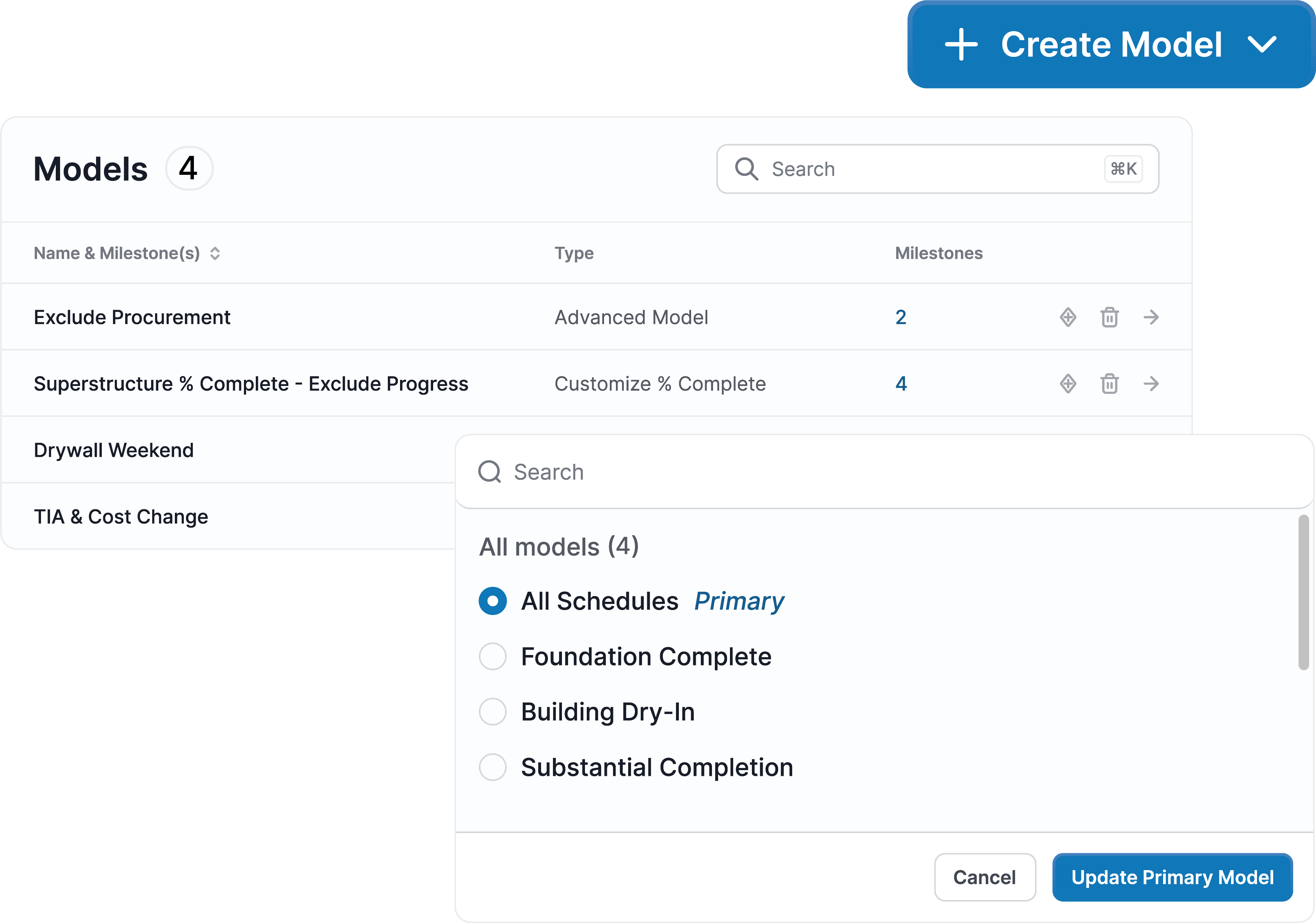
Grade the host schedule before building the fragnet. Book a demo.
A fragnet schedule should contain enough activities to describe the work honestly and few enough that reviewers can trace the driving path on a construction Gantt chart without filtering. Most design changes, material shortages, and supply chain issues on construction projects model in a handful of activities.
Thirty activities where six would do invites line-by-line challenges on every duration and buries which relationship carried the impact to the larger project timeline. Under-detailing carries the opposite risk: one lumped activity gives reviewers nothing to verify.
Focused analysis is the point, so unnecessary details work against the submission. A more refined analysis comes from simplifying complex events down to the activities a reviewer has to check, rather than a more detailed analysis of every task.
Cost per analysis governs how often teams build one on construction projects. Brandon Howell, Vice President of Scheduling at Layton Construction, oversees 170 active projects in SmartPM. A Windows Analysis that previously took an estimated 40 hours over two weeks now runs in two hours.
That speed makes contemporaneous modeling realistic for project managers running dozens of construction projects at once. When delay analysis takes an afternoon, unexpected changes get modeled as they surface instead of batched into an end-of-project reckoning, and each one supports a time extension while the record still backs it.
This proactive approach shortens the distance between an event and the decision making it should inform, and it supports better communication with owners while the facts are still fresh. Automation does not decide which events warrant focused analysis; it removes the manual effort that keeps most project managers from building one while it still counts.
For the full methodology around measuring impact once a fragnet is in place, see this guide to time impact analysis in construction.
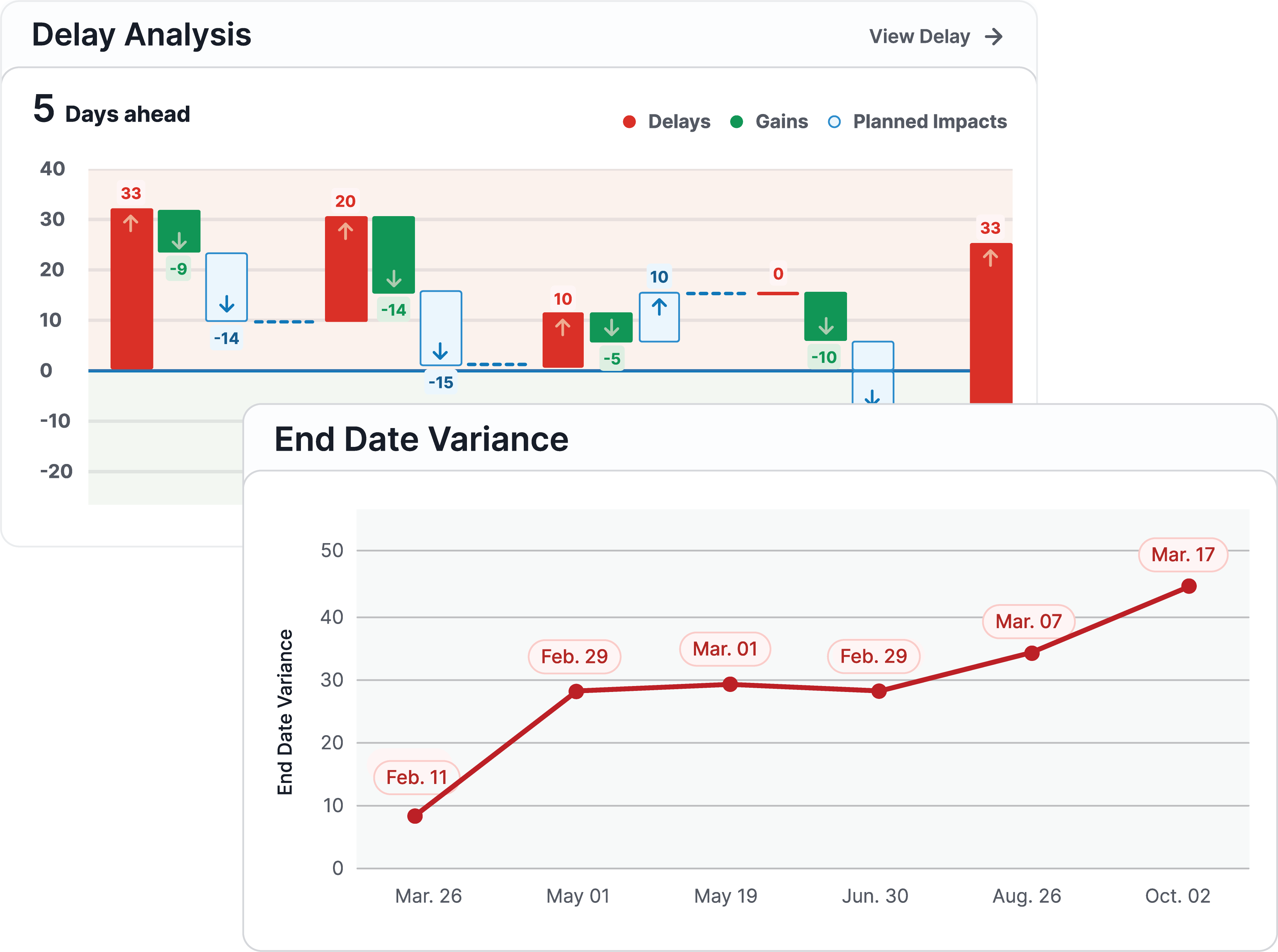
SmartPM analyzes every schedule update against 35+ quality metrics and tracks delay impacts as they happen. See it on your projects. Book a demo.