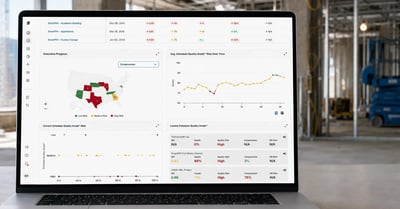

Float in CPM Schedules: Total Float, Free Float, and Why It Matters
In essence, float can offer a buffer against unexpected changes, allowing activities to be postponed without impacting the overall end date.

Blog

Negative float in a schedule shows up the moment a project's logic can no longer support its finish date. It is not a rounding error or a display quirk in Primavera P6. It is the project schedule telling a project team that the plan cannot deliver projects on the completion date it promises.
For project managers tracking project timelines across multiple jobs, catching negative float early is the difference between a manageable correction and a finish milestone that quietly becomes unrealistic.
Good project management depends on knowing the difference before it costs real time and money.
Negative float in schedule form is also called negative total float. It means an activity's total float has dropped below zero, indicating that the current activity can no longer finish without delaying the project's finish date.
Total float itself is the amount of time an activity can slip without pushing back the entire project. When total float is positive, an activity has room to move. When it hits zero, the activity sits on the critical path. When it goes negative, the schedule is reporting a conflict it cannot resolve on its own.
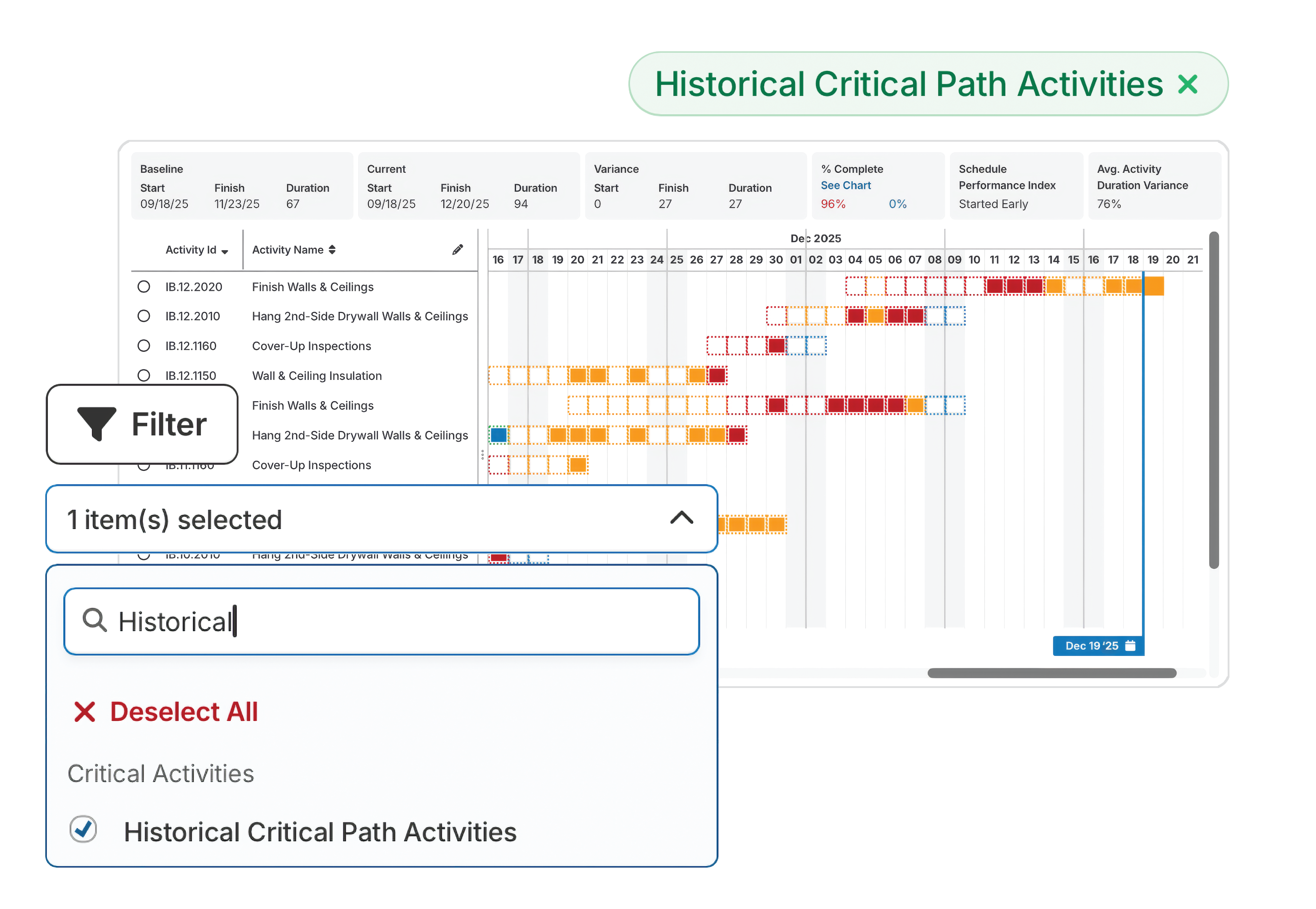
To calculate total float, subtract early finish from late finish, or the early start date from the late start date. Primavera P6 computes this from the early dates and late dates in the forward and backward pass, producing float values for every completed and remaining activity in the network.
Finish float and start float should match under normal conditions. When out-of-sequence activities or logic breaks are present, the two can diverge, and P6 reports the smaller value.
Zero float, sometimes called zero days of total slack, marks the critical path under normal conditions: no room to slip, but no conflict either. Critical activities sitting at zero float still reflect sound activity sequencing. Negative float means the plan has already broken that condition, consuming the project float meant to protect it.
|
Float Type |
What It Measures |
What It Means |
|
Total float (positive) |
Slack before an activity affects the finish date |
Activity has room to move |
|
Zero float |
No slack; activity is on the critical path |
Any delay pushes the finish date |
|
Negative float |
Total float has crossed below zero |
The finish date is already at risk |
|
Free float |
Delay possible before affecting the next activity |
Local flexibility, not entire-project flexibility |
Free float measures how much a current activity can slip before it delays the early start date of the next activity, without regard to the project's critical path as a whole. An activity can have zero free float and still have positive total float, since free float only looks one step ahead.
Negative float rarely appears for one isolated reason. In forensic schedule reviews, the same root causes show up again and again across project activities, pulling the schedule away from its original plan.
A finish constraint or "must finish by" date is among the most common sources of negative float. When the calculated finish date runs later than the constraint date, the schedule generates a negative number for every activity driving that finish milestone.
Finish to start, start to start, and finish to finish relationships each pass float differently through the network. A negative lag on a finish to finish tie, or an unnecessary lag between activity A and activity B, can consume float meant to protect the schedule.
Out of sequence activities, work that starts or finishes before its predecessor activity is logically complete, distort float calculations. Updates entered without correcting the underlying logic accumulate errors that surface as negative float downstream.
External relationships, where one project's schedule ties to milestones in another project or a shared resource pool, can import negative float from outside the schedule under review.
Negative float should never appear in a primary baseline schedule. DCMA guidance treats it as a planning failure, not a progress issue, since no field performance yet exists to explain the shortfall. If a baseline shows negative float before work begins, the fix is to correct the logic or renegotiate the constraint before that baseline is approved, not after.

Most guidance on negative float stops at the mechanics: find the constraint, adjust the logic, watch the number turn positive again. That treats the symptom, not the underlying issue. Negative float is one of the clearest early indicators that a delay claim is forming, well before either party uses the word "claim."
Negative float removed by changing logic ties or a constraint date, without addressing why the activity fell behind, does not fix anything. It hides the problem from the next person who reads the schedule, with no way of knowing a clean, positive float figure came from a logic change rather than real corrective action on site.
This pattern compounds across updates. A negative float condition "corrected" through a constraint change one month can resurface later as a larger problem, because the original cause was never resolved. Tracking these patterns is what separates surface-level review from real project controls.
Columbia Ventures, a commercial real estate developer, faced a delay claim covering nearly an entire multifamily project, with limited documentation to support either side. A traceable, update-by-update record of schedule performance gave both parties a factual basis for resolution. In their words: "SmartPM was instrumental in removing emotion in order to let the facts and data dictate negotiation."
Negative float means the project's finish date, as currently modeled, is not achievable under the existing plan. Left unaddressed, this has direct consequences for project deadline exposure, cost, and the decision-making that keeps tasks and other activities moving on other projects too.
SmartPM's 2025 State of Construction Scheduling Report found that 76% of projects finish later than their original baseline, and undetected negative float is one of the earliest signals of that outcome.
|
Risk Area |
What Happens |
|
Completion date |
Quietly slips even before the reported finish date on paper moves |
|
Contract exposure |
Liquidated damages clauses turn slippage into direct financial cost |
|
Project cost |
Extended general conditions and acceleration costs compound over time |
|
Owner relationship |
Undocumented delay weakens trust and invites dispute |
Continuous schedule risk analysis, not just monthly milestones, is what lets a project team catch float erosion trending negative while there is still time for a low-cost correction.
A single scheduler reviewing one schedule in Primavera P6 can usually spot negative float once they know where to look. The harder problem is a VP of Operations trying to know whether negative float exists across other projects in a fifty-project portfolio, without opening every file by hand.
|
Single-Project Review |
Portfolio-Level Review |
|
|
Method |
Manual check inside Primavera P6 |
Automated check across every project at once |
|
Scale |
Works for one schedule at a time |
Flags patterns across dozens of schedules |
|
Detection speed |
Depends on scheduler catching it during update |
Surfaces on every update cycle automatically |
|
Standard applied |
Varies by reviewer |
Consistent, checked against a defined framework |
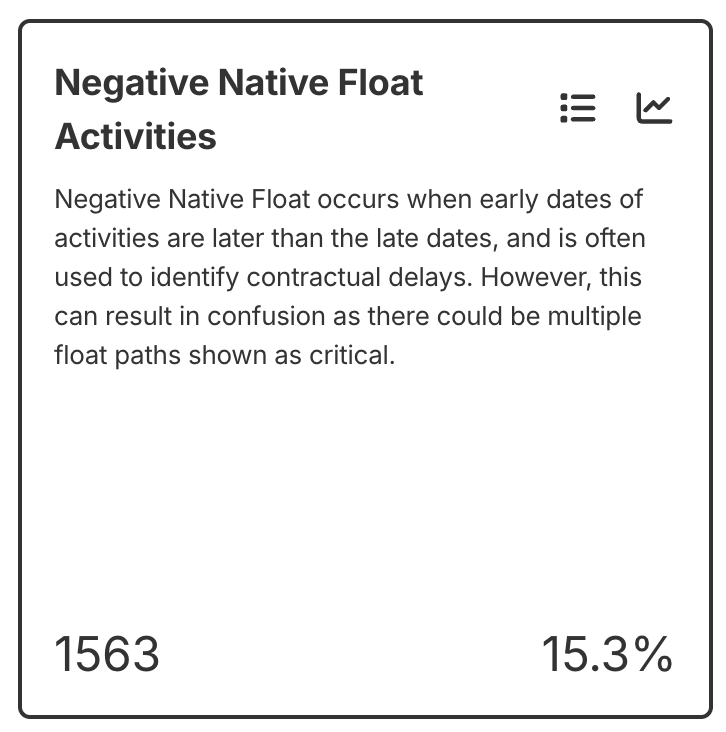
Reviewing float project by project does not scale, and negative float surfacing in one project this month often previews an issue that will show up next month. Portfolio-level visibility, checked automatically against a broader standard such as the DCMA 14-point check and SmartPM's 35+ quality metrics, turns a project-by-project chore into a repeatable, defensible process.
The GAO Schedule Assessment Guide sets out ten good practices for building reliable schedules, and the same discipline applies to catching negative float across a portfolio before it surfaces after the fact.
Fixing negative float means resolving the underlying issues that produced it, not forcing the number back to zero. Catching the root cause earlier in the update cycle, for example, creates a real fix instead of a cosmetic one.
Following that sequence turns negative float from a recurring surprise into a resolved, documented issue.
Book a demo to see how SmartPM flags negative float and float erosion trends automatically, before they become disputes.

Ready to stop finding negative float after it has already cost you time? Request a demo to see how SmartPM's schedule analytics catch it automatically.