
The ROI of Project Intelligence: What 5,000 Projects Tell Us
What is the ROI of construction project controls and why does it matter? SmartPM analyzed approximately 5,000 construction projects and found that forecast...

Blog
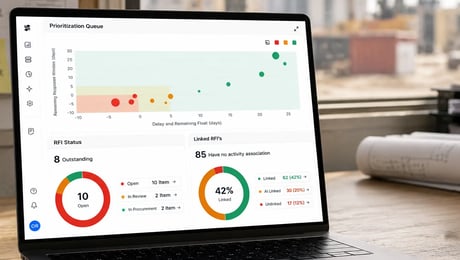
SmartPM connects Procore RFI and submittal data with your CPM schedule, helping project teams identify which open items could actually affect project delivery.

Construction teams don't have a shortage of project data. The schedule tells you when work needs to happen. Procore tracks the RFIs and submittals that help that work move forward. And project teams spend their days moving between the two, trying to determine which open items deserve attention first.
The challenge isn't knowing that an RFI is open.
It's knowing whether that RFI matters to the schedule.
An unanswered RFI tied to an activity with weeks of float is very different from one affecting work that's approaching the critical path. Yet when RFIs, submittals, and the CPM schedule are evaluated separately, both can look equally urgent.
SmartPM's expanded Procore integration brings those pieces together.

SmartPM already brings schedule analytics directly into the Procore workflow, giving teams access to project performance indicators, dashboards, milestone tracking, delay analysis, and other schedule insights without forcing them to reinvent their existing process.
Now RFIs and submittals can become part of that picture.
Instead of evaluating an open item based only on its status or age, teams can understand it in the context of the project schedule.
That changes the question from:
"Which RFIs are still open?"
to:
"Which open RFIs and submittals could actually affect when this project finishes?"
That's a much more useful question.
Imagine your project has 87 open RFIs.
A traditional RFI log can tell you when each was submitted, who owns the response, and how long it has been outstanding.
All useful information.
But it doesn't necessarily tell you which three deserve the project team's attention today.
That's where schedule context matters.
When project data is evaluated alongside the CPM schedule, teams can distinguish between an item associated with work that has schedule flexibility and one connected to activities with little remaining float or critical-path exposure.
Instead of treating every overdue item as equally urgent, teams can prioritize based on potential project impact.
For many construction teams, Procore is already central to the way projects are managed.
That's important because better project intelligence shouldn't require teams to abandon the systems and processes they've already built.
As Taylor Shapland of NGC Group describes SmartPM's existing Procore integration:
“We just add SmartPM into our current process to supplement it rather than change it.”
The same principle applies as more project data becomes connected to the schedule.
Your team can continue managing project information in Procore while SmartPM provides the schedule intelligence needed to understand what that information could mean for project delivery.
The goal isn't another place for the project team to maintain data.
It's getting more intelligence from the data they're already maintaining.
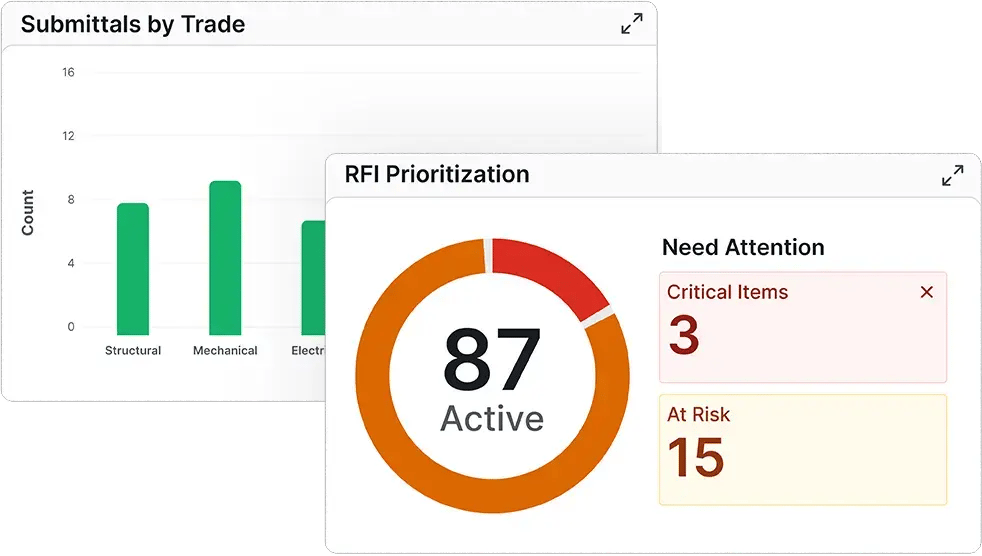
Connecting these workflows can help teams answer questions that are difficult to answer from an RFI or submittal log alone:
A long list of open items becomes easier to prioritize when teams can evaluate potential schedule impact alongside status and turnaround time.
Schedule context helps teams understand whether an issue has meaningful runway or is approaching work where delay could become more consequential.
Instead of chasing every open item with the same urgency, teams can focus conversations around the RFIs and submittals most relevant to upcoming work.
RFIs and submittals become another source of project intelligence rather than another disconnected report.
And because SmartPM already analyzes schedule progress, milestones, delays, trends, and timeline feasibility through its Procore integration, RFI and submittal information can add another layer of context to the project's overall performance picture.
Think about the typical project meeting.
There may be dozens—or hundreds—of open items competing for attention.
Without schedule context, the conversation can easily become:
"What's overdue?"
or:
"What hasn't been answered yet?"
Those questions matter, but they're not the same as asking:
"What could delay us?"
That distinction gives project teams a better way to prioritize conversations with owners, designers, contractors, and trade partners.
Instead of escalating something simply because it has been open for a certain number of days, the team can discuss it in terms of the work it may affect and the schedule exposure associated with it.
That's a much stronger starting point for action.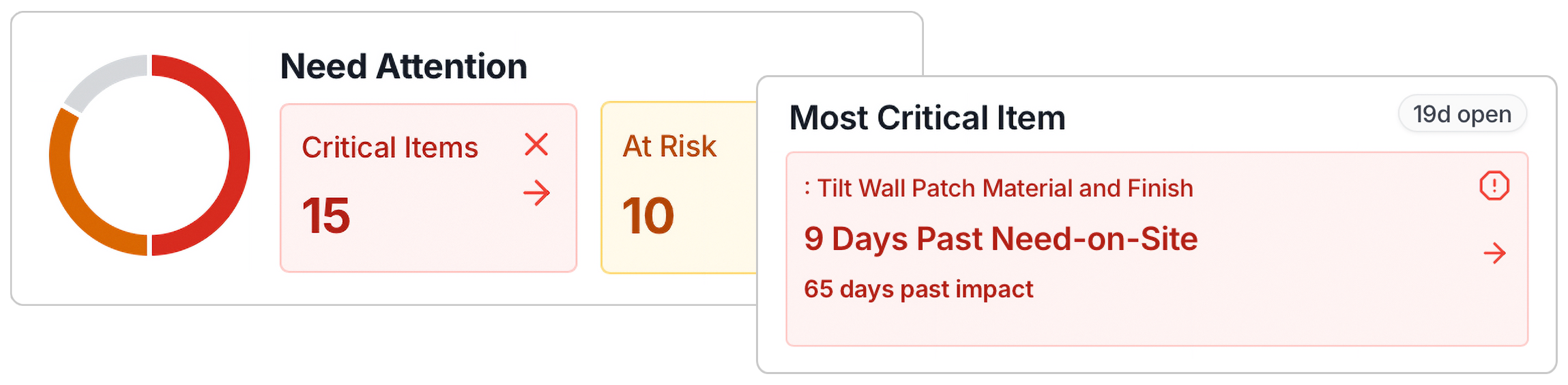
The value of an integration isn't simply moving data from one system to another.
It's what becomes possible once that data is connected.
SmartPM's Procore integration already gives teams access to schedule analytics directly within their existing Procore workflow, from high-level dashboards to individual milestone and delay analysis.
Adding RFIs and submittals expands that picture.
Schedule data tells you when work needs to happen.
Procore tells you what project information is still moving through the process.
SmartPM helps connect the two so teams can better understand what deserves attention before it affects project delivery.
Your project team is already creating the data.
The next step is putting it in the context of the schedule.
See how SmartPM connects Procore project data with CPM schedule intelligence to help teams identify risk earlier and focus on what matters most. Book a demo.